

Quick Answer: Your homepage is losing leads when visitors cannot tell what you do, how to start, or why they should trust you within about five seconds. The usual causes are vague messaging, slow load times, buried calls to action, and missing proof. All four are fixable without a redesign.
Why is your homepage losing leads?
A homepage losing leads rarely looks broken. Traffic arrives, the design looks fine, and nothing on the page throws an error. What actually happens is a series of small hesitations that end in a back-button click. Visitors form a visual opinion of a site in roughly 50 milliseconds, before a word gets read. Won
Your website messaging fails the five-second test
Show your homepage to someone outside your industry for five seconds, then take it away and ask what you sell and who it’s for. Most homepages fail. Website messaging built on internal language (“holistic growth partner”) reads as noise to a buyer scanning for a service. Reading level matters more than teams expect: copy written at a fifth to seventh grade level converts around 11.1%, while professional-level vocabulary averages 5.3%. Write the headline the way a customer would describe you to a colleague. Sender
Homepage load speed pushes people out before they read
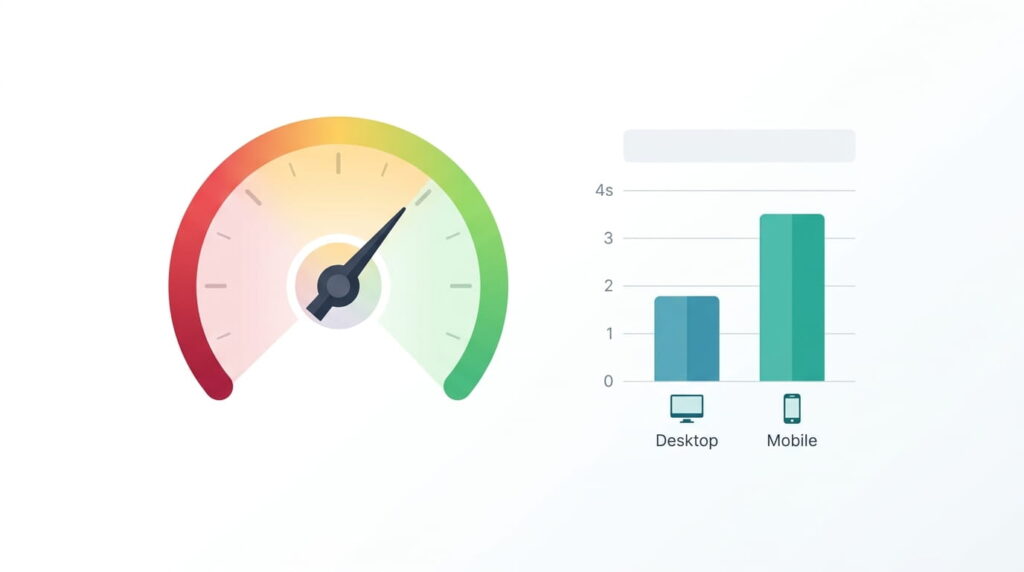
Speed is the cheapest lead leak to plug. Average load times sit near 2.5 seconds on desktop and 8.6 seconds on mobile, and 53% of mobile users abandon a site that takes longer than three seconds. Deloitte and Google measured a 0.1-second mobile improvement lifting retail conversions by 8.4%. Run your URL through PageSpeed Insights and target LCP under 2.5 seconds, INP under 200 milliseconds, and CLS under 0.1. Hero videos and image carousels are usually the culprit, which makes this a front-end build问题 rather than a copy problem. ColorlibKISSmetrics
Website usability collapses on mobile
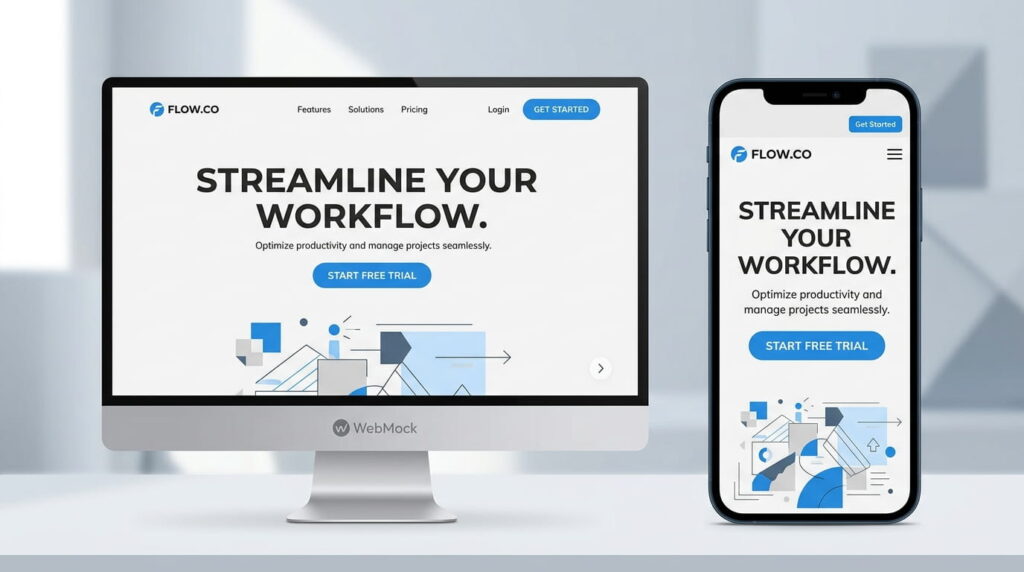
Your homepage probably looks fine on the 27-inch monitor it was designed on. On a phone, the hero headline wraps to five lines, form fields are too small to tap accurately, and the phone number is an image instead of a link. Mobile form completion runs at 32% against 48% on desktop. Test on a real device, not a browser resize. Watching ten session recordings in Microsoft Clarity will show you more than a month of dashboards. LanderLab
How do you fix a homepage that isn’t converting?
Fix in order of leak size, not opinion. Speed first, because it costs you visitors before anything else can work. Then clarity, then the path to action, then proof. Most teams do the opposite and open with an argument about colors.
Fix the website navigation first
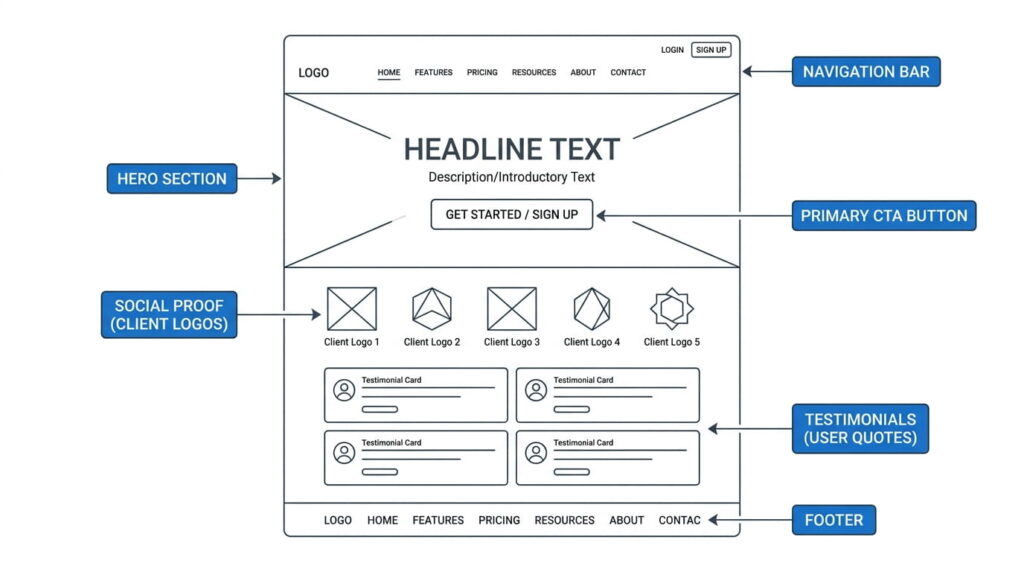
Website navigation is the map, and most menus are drawn for the org chart instead of the buyer. Five to seven top-level items is a sensible ceiling for a services site, though the popular seven-item rule traces back to a misreading of memory research: menus work by recognition, not recall. Labeling matters more than count. Services beats Solutions. Pricing beats Plans. Send visitors somewhere specific instead of a page named Resources. Wearetenet
Homepage CTA placement and count
Homepage CTA placement is simple: one primary action above the fold, repeated after each section that earns the right to ask. Across 18,639 landing pages, Unbounce found single-CTA pages converting near 13.5%, two-CTA pages at 11.9%, and pages with three or more at 10.5%. Every competing button splits attention. Users also spend 57% of their viewing time above the fold, so the first screen has to carry the ask. YougovNielsen Norman Group
Put social proof where the doubt is
Social proof scattered across a homepage does less work than one testimonial sitting beside the button. Implementing it well typically raises conversion rates 15% to 30%, and trial signup pages with testimonials convert about 25% better than pages without. Three to five homepage testimonials is the useful range. Keep them current: 74% of consumers only trust reviews written in the last three months. A named client result, like the site we built for RevSquared AI, outperforms an anonymous five-star quote. Shapo + 2
Why marketing leads are not converting to sales: common reasons past the page
Sometimes the homepage works and the pipeline still stalls. Roughly 79% of marketing leads never become sales, and the gap usually opens after the form submit, not before it. Speed to lead is the biggest controllable factor left. Salesmotion
The numbers are stark. Companies responding within five minutes convert far more often, yet the average B2B company takes over 12 hours. Around 78% of buyers purchase from whoever responds first. Before rebuilding a page, check what happens in the hour after someone fills out your form. LeadresponseSalesmotion
| Symptom | Likely cause | First fix |
|---|---|---|
| High traffic, few form fills | Unclear messaging or hidden CTA | Rewrite the hero, cut to one action |
| Visitors bounce under 10 seconds | Slow load or broken mobile layout | Run a speed test, fix the hero image |
| Form fills, no engagement after | Form asks too much, low intent | Cut fields, add a booking option |
| Leads reply once then vanish | Slow follow-up, no sequence | Respond in minutes, add three touches |
Frequently Asked Questions
1. How do I know if my homepage is losing leads?
Compare traffic to form submissions. If under 1% of homepage visitors take any action, something structural is wrong. Watch session recordings for rage clicks and dead clicks, check scroll depth against where your call to action sits, and run a five-second test with someone outside your company.
2. What is a good homepage conversion rate?
Homepages convert lower than dedicated landing pages because traffic arrives with mixed intent. Cross-industry averages sit around 2% to 3%, with lead generation pages at 3% to 5%, and top quartile sites well above that. Track your own trend line instead of chasing a benchmark from another industry. OptiMonk
3. Does homepage load speed really affect leads that much?
Yes. Around 53% of mobile visitors leave a site taking more than three seconds, and as of September 2025 only about 53% of origins passed LCP, CLS, and INP together. Half the web still fails, which makes speed a competitive gap rather than a solved problem. Colorlib
4. Where should my main call to action go on the homepage?
Put the primary action in three places:
- The header, top right, as a contrasting button
- The hero section, directly under the headline
- After your proof section, once trust is established
Use identical wording in all three. Mixing “Get a Quote” with “Contact Us” reads as two different offers. Ask us to review yours if you’re unsure which action belongs first.
5. Why are my leads not converting to sales even when the form works?
Follow-up speed and qualification explain most of it. MQL to SQL conversion typically runs 12% to 21%, while top performers reach 40% through faster follow-up and better lead scoring. When replies take hours, intent decays and a competitor answers first. Fix response time before blaming lead quality. Salesmotion
Conclusion
A homepage losing leads is usually a clarity problem wearing a design costume. Say what you do in plain words, load fast on a phone, offer one obvious next step, and put proof beside it. Surveys through a tool like Hotjar will tell you which of those is missing. These fixes improve website conversions without touching your ad budget, and most of them ship inside a week.