

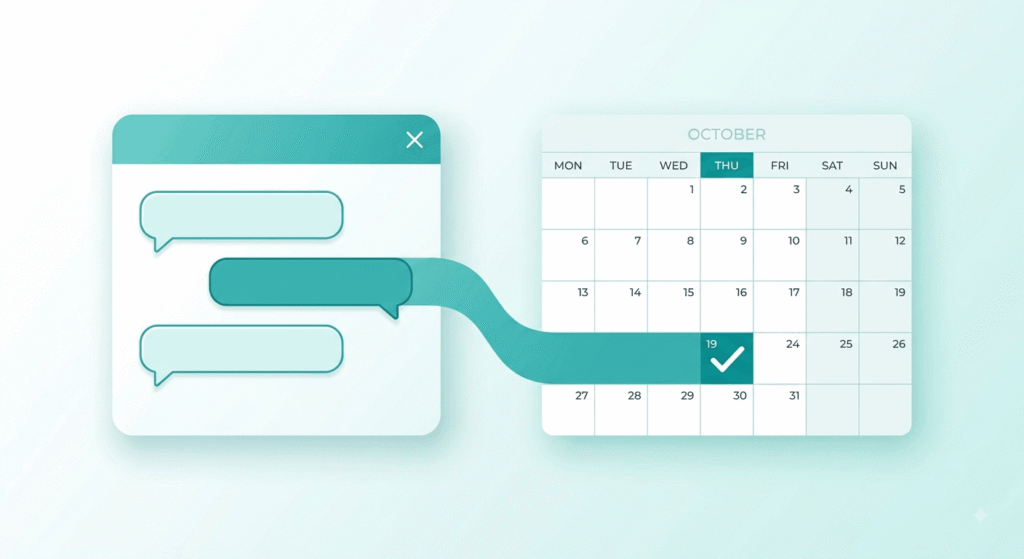
Quick Answer: AI chatbot appointment booking uses a conversational bot to qualify a visitor, check live calendar availability and confirm a slot without staff involvement. Set up well, it replies in seconds instead of hours and sends its own reminders. Most small businesses can launch one in a week for $30 to $100 a month.
What Is AI Chatbot Appointment Booking?
AI chatbot appointment booking is a conversational system that handles the full scheduling job: it answers a visitor’s question, collects the details you need, reads real-time calendar availability, books the slot, and triggers the confirmation. Unlike a static booking link, it holds a conversation and adapts to what the person actually asks.
The case for it is speed. The 2007 MIT and InsideSales Lead Response Management study found that contacting a web lead at five minutes rather than thirty raised the odds of reaching that person roughly 100 times, and the odds of qualifying them about 21 times. Those numbers get miscredited to Harvard constantly and they’re old, so treat them as direction rather than gospel. The behavior they measured has not improved: a 2024 Workato audit of 114 companies found more than 99% missed the five-minute window entirely.
A bot doesn’t get busy at 4:50 on a Friday.
TL;DR
- Responding in five minutes instead of thirty raised qualification odds about 21 times in the MIT and InsideSales research, and a bot responds in seconds.
- Text reminders cut no-shows by roughly 25% in meta-analysis, and wording changes the result: a guilt-framed message beat a generic one, 14.2% versus 21.1%.
- Budget $30 to $100 a month for a small business setup, plus about three-quarters of a cent per US text segment.
- US texting needs A2P 10DLC registration first, and healthcare bookings need a signed BAA.
How Does an Appointment Chatbot Actually Book a Meeting?
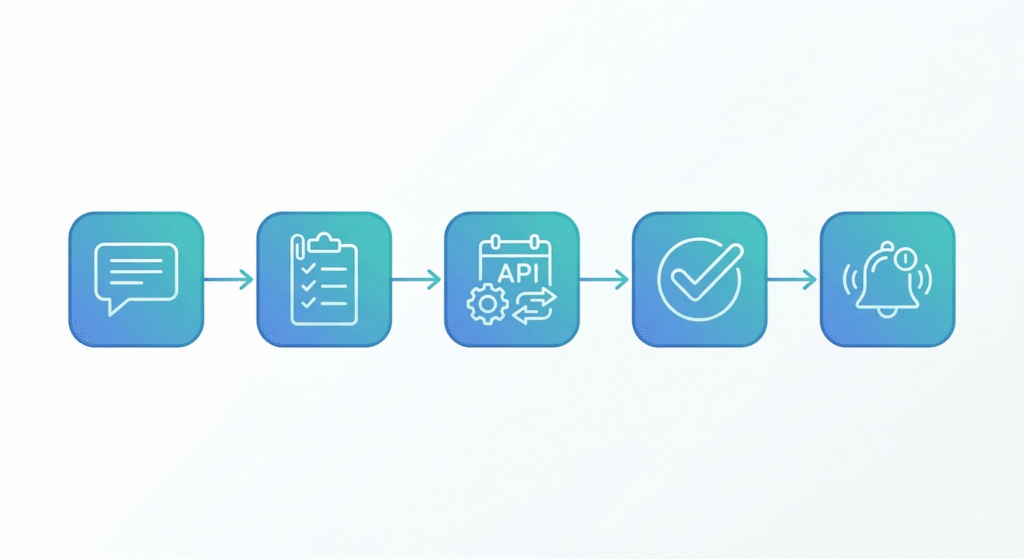
An appointment chatbot runs four jobs in sequence: it reads intent from the first message, collects the fields your calendar needs, queries live availability through an API, then writes the event and fires a confirmation. Everything after the greeting is plumbing. Conversation quality is what people notice, but the calendar connection is what makes it work.
Two-way sync matters more than most buyers expect. A one-way feed can offer a slot somebody already filled over the phone, and the double-booking apology costs more goodwill than the bot ever saved. Confirm your tool writes to Google Calendar or Outlook and reads back in real time before you evaluate anything else. If the booking flow sits on a page you control, custom website development keeps the embed clean instead of bolting a widget onto a template that fights it.
Timezones are the quieter failure. Capture a browser timezone while your calendar assumes Eastern, and a Phoenix customer shows up two hours late blaming you.
Can a Website Chatbot Handle Lead Qualification Before It Books?
Yes, and screening is usually where a website chatbot earns its cost. Two or three qualifying questions asked inside the conversation keep tire-kickers off your calendar and send serious prospects to the right person. Calendly’s routing feature does a version of this with forms, sending each answer down a different scheduling path.
Restraint is the skill. Every extra question costs bookings, and a flow that demands budget, timeline, company size and job title before showing a single time slot converts worse than no bot at all. Ask only what changes who takes the meeting or how long it runs.
Vendors price this revealingly. Intercom’s Fin agent bills $0.99 for a standard outcome but $9.99 when it qualifies a lead and routes it, which tells you exactly which action the market values at ten times more. Where the widget sits and how its opening line reads are interface and conversion design decisions, not engineering ones.
Do Automated Reminders Actually Cut No-Shows?
Yes, and the evidence here is unusually clear. A meta-analysis of reminder studies found patients receiving a standard text reminder were about 25% less likely to miss an appointment. A randomized trial at an urban pediatric clinic saw no-shows fall from 38.1% in the control group to 23.5% among patients who got a text.
Almost nobody tests the wording, which is where the bigger gain hides. Clalit Health Services ran nine message variants across 161,587 members and 14 hospitals, published in PLoS One. The version written to trigger mild guilt produced a 14.2% no-show rate against 21.1% for the generic reminder, and it lifted advance cancellations from 17.2% to 26.3%. That second number is the underrated one. A slot you learn is empty two days early can be refilled.
Automated reminders cost close to nothing. HighLevel bills US texts at roughly $0.0075 per segment, so a clinic sending 600 reminders a month spends under five dollars.
How to Set Up an AI Booking Assistant in Seven Steps
Building an AI booking assistant takes about a week of focused work, not a quarter. Order matters more than tooling: get the calendar connection right before you write a single line of conversation, because a charming bot that books into a full calendar is worse than no bot. This sequence holds up across most service businesses.
- Pick one appointment type to start. A single 30-minute consultation proves the system before you add a menu.
- Connect two-way calendar sync, then set buffers, minimum notice and daily caps so the bot can’t stack six calls back to back.
- Write your qualifying questions, then delete half. Keep only what changes the meeting owner or its length.
- Script the escape hatch. Anything the bot can’t handle should reach a human within one reply, not four.
- Register for A2P 10DLC before you plan any texting, because carrier approval takes one to five business days.
- Build the reminder sequence: confirmation immediately, a nudge 48 hours out, a final one the morning of.
- Test with ten real people, including someone in another timezone and someone who answers awkwardly on purpose.
What an AI booking bot needs from your calendar
Three things: real-time read access, write access, and a way to express rules. Rules are what stop an AI booking bot from offering a 6 a.m. Sunday slot because the calendar was technically empty. Most teams discover this on the first weekend. When no off-the-shelf tool fits the workflow, custom MVP development beats bending a product that was built for someone else’s business.
Which Scheduling Bot Fits Your Business?
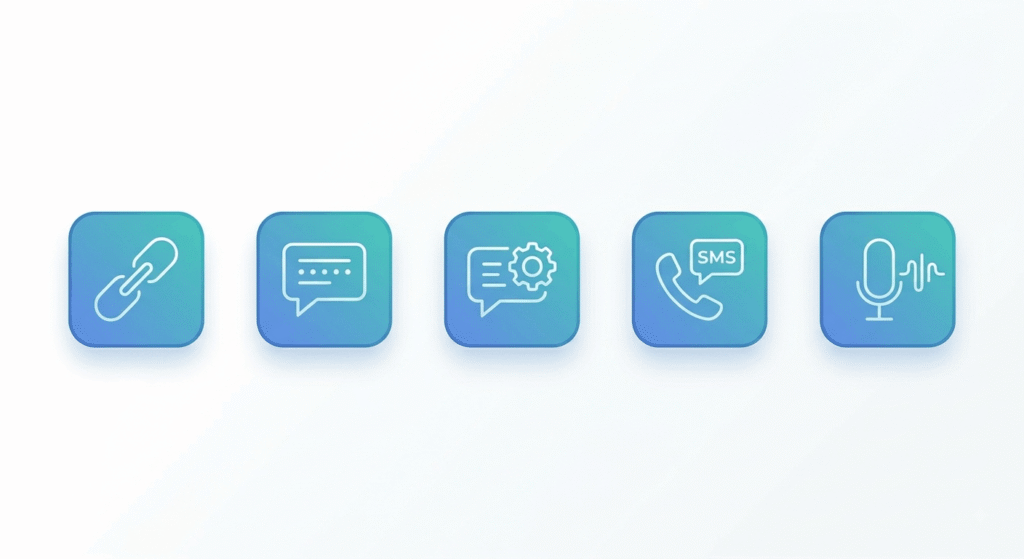
No single scheduling bot wins, only the right level of automation for how your leads arrive. A dentist fielding missed calls needs something different from a B2B team routing demo requests. The table maps five common approaches against cost and the failure mode each one carries.
| Approach | How it engages | Typical cost | Best for | Main limitation |
|---|---|---|---|---|
| Booking link | Visitor self-serves | Free to $16 per seat | Warm, known contacts | No conversation, no screening |
| Rule-based chatbot | Scripted menu flow | Free to $50 a month | Simple service menus | Breaks on anything off-script |
| AI chat assistant | Open conversation plus calendar API | $30 to $100 a month | Mixed questions and bookings | Needs a knowledge base and testing |
| SMS follow-up bot | Texts new leads back | Platform fee plus per segment | Speed-to-lead on paid leads | Blocked until A2P registration clears |
| AI voice agent | Answers the phone | Per-minute billing | Missed and after-hours calls | Highest cost of a wrong answer |
Most US small businesses land on the third row. Adding a chat layer is the cheapest upgrade available when the site already converts. When the page itself is the bottleneck, fix that first: this high-converting website built for RevSquared AI shows what shifts once the page does its job before any bot arrives.
Common Mistakes to Avoid With a Chatbot for Booking
Most failed rollouts trace back to four errors, and three are legal rather than technical. US businesses get caught by rules that never surface in a vendor demo: carrier registration, consent handling and health data. The fourth is simpler. Teams trust the bot too much.
Skipping A2P 10DLC registration is the most common. Every automated text sent to a US mobile from a 10-digit number needs a registered brand and campaign, and unregistered traffic gets filtered or blocked. Register before launch week, not during it.
Consent comes second. Since April 11, 2025, a customer can revoke consent in any reasonable wording rather than only by texting STOP, and you have ten business days to honor it. If your bot collects a phone number, the checkbox language and opt-out handling belong in version one.
Healthcare adds a third layer. Any vendor touching protected health information is a business associate under 45 CFR 164.504(e), and a signed BAA is required before patient data reaches it. A vendor that won’t sign one isn’t an option, whatever the demo looked like. On the fourth mistake: keep a visible path to a human, because the customer who can’t find one leaves without telling you why.
Frequently Asked Questions
1. How much does an AI chatbot for appointment booking cost?
Small business setups typically run $30 to $100 a month for the chat platform, plus usage. Text messages add roughly $0.0075 per segment in the US and phone numbers about $1.15 a month. Per-outcome pricing exists too, as high as $9.99 for a qualified and routed lead.
2. Can a chatbot book appointments directly into Google Calendar?
Yes. Most booking platforms connect through the Google Calendar API with two-way sync, meaning the bot reads live availability and writes the confirmed event back. Verify the sync runs both directions before committing, because one-way feeds cause double bookings when someone schedules by phone.
3. Do I need A2P 10DLC registration for appointment reminder texts?
Yes, if you text US mobile numbers from a 10-digit business number. The essentials:
- Register a brand, then a campaign for your messaging use case.
- Match your EIN to your registered legal business name.
- Allow one to five business days for carrier approval.
- Link every new number to an approved campaign.
- Expect one-time fees plus a small monthly campaign charge.
4. Will customers actually use a booking bot instead of calling?
Many will, and after hours they have no alternative. The pattern that fails is a bot with no visible handoff to a person. Keep a phone number and a “talk to someone” option in view, then measure how often people take it before deciding your bot is working.
5. How long does it take to set up an AI booking assistant?
Plan on one focused week for a single appointment type: a day for calendar integration, a day for conversation design, a day for reminder sequences, and the rest for testing. A multi-service menu with team routing takes two to four weeks and needs someone who owns it after launch.
Conclusion
AI chatbot appointment booking isn’t complicated technology anymore. The parts that decide whether it works are unglamorous: two-way calendar sync, three qualifying questions instead of eight, a reminder sequence with wording you’ve actually tested, carrier registration finished before launch, and a human always one reply away. Start with one appointment type, run it for thirty days, and let the no-show rate tell you what to fix next.