

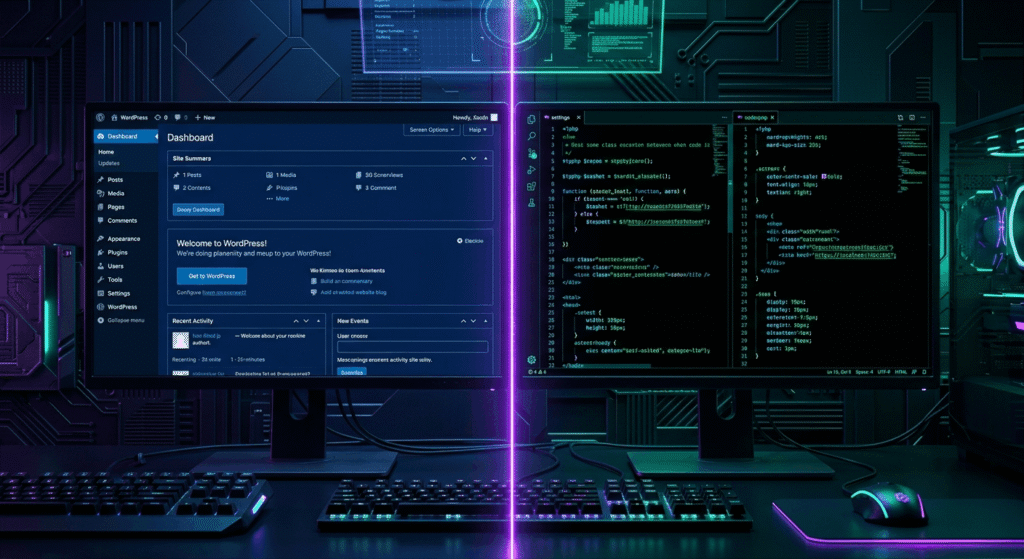
Quick Answer Box: WordPress vs custom development is a core choice for any business building a website. WordPress delivers quick setup, lower costs, and easy management, while custom development provides full flexibility, scalability, unique design, and features helping you decide the best fit for your business objectives.
What is WordPress vs Custom Development?
WordPress is an open-source content management system (CMS) that powers over 41% of websites worldwide, recognized for its fast setup and user-friendly management. Custom development means building sites from scratch with code or frameworks like React or Laravel, offering tailored features and full control, but often at higher costs and with extended development timelines.
What Are the Key Factors to Consider When Deciding Between WordPress and Custom Development?
Choosing between WordPress vs custom development is influenced by your business’s budget, launch schedule, need for unique features, scalability requirements, growth projection, and in-house resources. For small businesses, the WordPress website builder stands out with affordable pricing, a vast range of themes, and easy content updates. In contrast, custom web development services grant superior control, deeper theme customization, and advanced business logic for complex or fast-growing organizations.
If a rapid launch, in-house content management, and lower upfront spend are top priorities, WordPress may be ideal. Meanwhile, if your site must provide exclusive features, integrate intricate business processes, or support heavy traffic, investing in a custom website brings maximum flexibility.
Consider future growth: plugin overload or limited scalability is a recurring issue in business website design with WordPress, especially as your company expands. The right choice depends on whether your immediate need is getting online fast or creating a web platform capable of evolving as your brand matures.
Evaluating Internal Resources for Maintenance
Assessing your team’s technical skills is crucial. WordPress enables non-technical users to manage updates through a user-friendly dashboard, while custom web development often requires ongoing support from a developer or agency for updates, bug fixes, and adding features.
How Do WordPress and Custom Websites Compare?
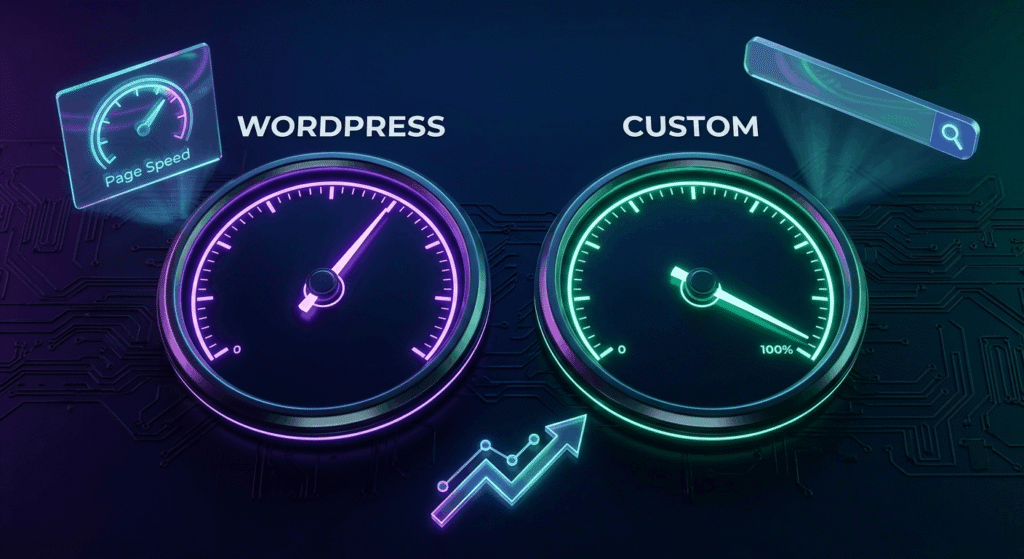
Site performance including speed, reliability, and user experience is a key consideration for web development. WordPress sites can be fast if built with a modern theme and minimal plugins, but performance can deteriorate if too many plugins are added or poorly-coded themes are installed. This bloat may negatively impact Core Web Vitals and SEO outcomes, as shown by industry benchmarks from W3Techs and HTTP Archive’s Web Almanac.
Custom websites excel in site performance by starting with lean, optimized code tailored to your business requirements. They achieve faster loading speeds, better uptime, and a smoother user experience giving your business a competitive SEO advantage.
Modern approaches like custom WordPress development can close the gap by using “headless” CMS, custom themes, or advanced performance measures, but certain platform constraints persist. High-traffic, enterprise-grade sites or platforms with unique, mission-critical functionality benefit most from a fully custom approach.
External resources such as the WordPress official website and WooCommerce demonstrate WordPress’s versatility. However, ongoing code monitoring is needed for both platforms to maintain performance as your web development needs grow.
Web Accessibility and Compliance
Web accessibility plays a central role in user experience and legal compliance for all business sites. Both WordPress and custom sites can achieve compliance with ADA or WCAG standards, but custom development can deliver more tailored accessibility solutions and address complex requirements more efficiently. Businesses focused on inclusivity should consult accessibility specialists during both planning and web development phases.
Which Offers More Control?
Theme customization and plugin access are signature strengths of WordPress, enabling businesses to select from thousands of appearance options and feature extensions. Visual builders like Elementor or Divi make website design approachable for non-coders, while SEO plugins add valuable optimization features.
Still, any WordPress website operates within the platform’s architectural constraints even with custom plugins or integrations, there are boundaries. Custom WordPress development can push these limits, but custom web development services break free entirely, unlocking full control over user experience, database structure, workflows, and security. This allows your business website design to fully match your unique brand needs or internal processes.
Hybrid strategies combining WordPress as a headless CMS with a bespoke front end using React are gaining popularity for advanced projects. These approaches blend easy content updating with powerful site performance and flexibility, though they demand more advanced web development skills and higher investment.
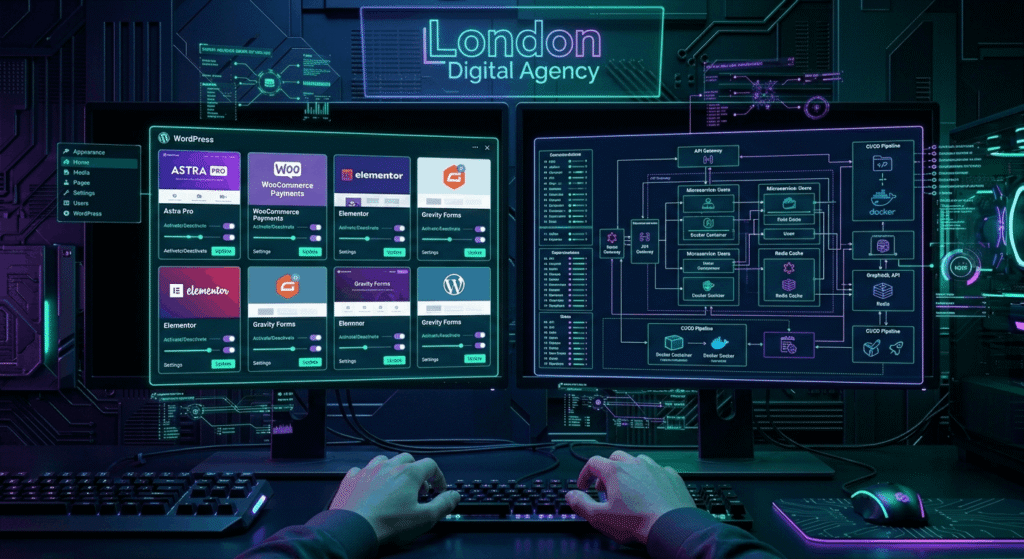
Business owners should thoughtfully weigh how much theme customization or unique functionality truly matters, balancing innovative ideas with future-proof, manageable web development.
Considering Long-Term Innovation
Select the path that aligns not just with today’s needs but future strategies. Custom website projects are better poised for ongoing adaptation and transformation as your business evolves, while WordPress excels at swift updates and content-driven publishing.
Cost, Timeline, and Maintenance: What Should You Expect?
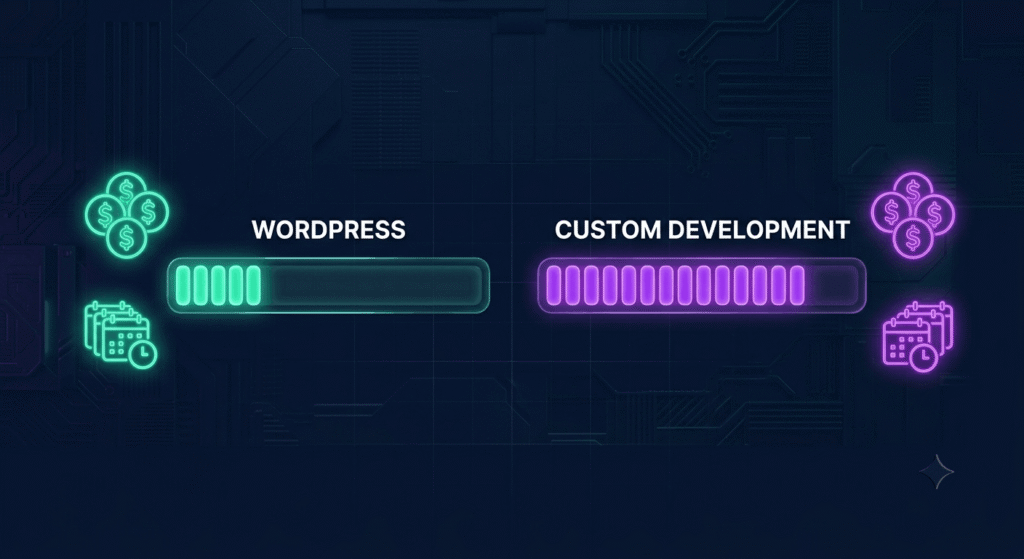
Analyzing costs and timelines highlights key differences between WordPress vs custom development. A professional WordPress site ranges from $5,000 to $25,000, typically launching in 6–12 weeks. Custom websites start at $8,000 often reaching $30,000 or more and take 16–24 weeks to complete.
For maintenance, WordPress offers non-technical users the ability to manage content and plugins via an intuitive admin dashboard but requires regular updates to stay secure. Neglected maintenance can create vulnerabilities. In contrast, custom websites rely more heavily on developers or agencies for updates and feature additions, leading to higher but more predictable long-term costs.
Factoring in total ownership cost, WordPress offers a lower barrier to entry and affordable self-service maintenance. But, heavy customizations or frequent plugin purchases may increase expenses over time. Custom websites require larger upfront and ongoing investments but can deliver unique value and fewer limitations.
Regarding ownership rights, WordPress users operate under theme and plugin licenses, while custom web development typically provides full code ownership an important factor in business valuation and intellectual property security.
For more guidance on project planning, access our UI/UX & Graphic Design services and MVP development expertise.
WordPress vs Custom Development Features
| Feature | WordPress Website Builder | Custom Web Development Services |
|---|---|---|
| Initial Cost | $5,000–$25,000 | $8,000–$30,000+ |
| Launch Timeline | 6–12 weeks | 16–24 weeks |
| Customization Depth | Moderate (themes/plugins, limited by WP) | Maximum (unlimited, built to spec) |
| Scalability | Great for SMB, limited for enterprise | Excellent (scales to any need) |
| Site Performance | Good with minimal plugins | Excellent (lean code, fully optimized) |
| Maintenance Needs | DIY or low; requires updates | Developer required, varies by project |
| User Experience | Easy CMS, wide plugin support | Fully custom UX/UI possible |
| Security | Strong base, vulnerable plugins | Controlled, as secure as code is built |
| Intellectual Property | Licensed themes/plugins | Full ownership (bespoke code/design) |
| SEO Capabilities | Powerful with Yoast/Rank Math plugins | Custom-tuned; no plugin bloat |
| Support Community | Huge (forums, docs, vendors) | Agency/developer dependent |
How to Choose Between WordPress and Custom Development
- Define Your Website Goals:
Determine if you need a marketing site, e-commerce, or platform-driven product. - Assess Budget & Resources:
Decide your available upfront and monthly resources for web development. - Identify Must-Have Features:
List integrations, required features, and design specifications including future possibilities. - Consider Timeline:
Evaluate if a quick launch is required or if waiting for custom features is acceptable. - Evaluate Maintenance Capabilities:
Can your team handle content and updates, or will you need a developer for ongoing support? - Project Future Growth:
Consider where your business and business website design will be in 2, 3, and 5 years. - Consult Experts:
Discuss your needs with trusted professionals such as our Development team for informed, tailored advice. - Compare Demos:
Preview WordPress and custom site demos, including successful case studies, to gauge usability and outcomes.
Pros and Cons of WordPress vs Custom Development
WordPress
Pros:
- Rapid, cost-effective launches
- User-friendly admin tools
- Large selection of themes and plugins
- Simple content updates
- Extensive support community
Cons:
- Excess plugin or theme use can decrease site performance
- Security depends heavily on regular maintenance
- Limited extreme customization or unique business logic
- Scalability issues with large or complex sites
Custom Development
Pros:
- Complete control over design and site performance
- Tailored for unique requirements and workflows
- Superior scalability for future growth
- Enhanced security and compliance flexibility
- Full intellectual property ownership
Cons:
- Higher upfront and ongoing costs
- Longer build times (months rather than weeks)
- Reliance on developers for updates and feature changes
- Fewer “plug-and-play” integrations custom work needed for additions
Common Mistakes When Choosing WordPress or Custom Development
- Selecting WordPress for initial cost or speed, only to face restricted scalability or limited customization later
- Confusing site customization within builders or plugins with true flexibility from custom web development services
- Overlooking total cost of ownership, including future plugin or maintenance costs, with either option
- Failing to clarify business objectives and key site features before picking a platformIgnoring intellectual property and data ownership considerations
- Skipping accessibility and compliance planning, causing later complications
- Dismissing future scale needs leading to unplanned web development migrations or platform rebuilds
For more insight, explore how to migrate WordPress to a custom website and learn lessons from our own Prompt Generator AI project.
Decision Guide: When Should You Use Each Platform?
When to Choose Custom Web Development Services
Opt for custom web development services if your business requires:
- Unique workflows or features unavailable in standard platforms
- Complex integrations with third-party services or APIs
- Enterprise-level security, compliance, or custom reliability protocols
- Highly specialized branding and user experience
- High-traffic, large-scale platforms, such as SaaS products
- Long-term flexibility to adapt as your company grows
When your website is a business asset like a platform or automation tool custom website development ensures unmatched flexibility and value aligned with growth.
When to Choose Custom WordPress Development
Choose custom WordPress development when:
- You need a content-rich site with custom branding and features
- No available themes or plugins fulfill your unique requirements
- Your team will publish content or manage e-commerce with WooCommerce
- Fast launch matters, but advanced integrations or performance optimizations are still necessary
Hybrid solutions such as “headless” WordPress combine content management efficiency with the performance of modern custom-built front ends, though at higher cost and complexity.
Frequently Asked Questions
1. Is WordPress secure enough for my business site?
WordPress is secure at its core and trusted by millions of businesses. Security risks generally come from outdated plugins, weak passwords, or missed updates. Following best practices with high-quality plugins, timely updates, and strong authentication can minimize risks. For regulated industries, add security plugins or consider custom website solutions.
2. Can I scale a WordPress site as my business grows?
WordPress scales well for small and mid-sized businesses or e-commerce sites, particularly using WooCommerce. At the enterprise level—with advanced integrations or heavy traffic—custom development meets scaling needs better. Performance may decrease in WordPress with too many plugins or complex code at larger scales.
3. How do maintenance requirements compare?
WordPress: Regular CMS/plugin/theme updates, backups, and optimization, manageable by non-technical users with training.Custom Sites: Updates, fixes, and security patches typically require developer involvement.Both: Benefit from ongoing monitoring and maintenance investment to ensure reliability and security.
4. Which platform is better for SEO: WordPress or Custom Development?
Both WordPress and custom development can be highly effective for SEO. WordPress offers powerful SEO plugins (like Yoast or Rank Math) that make on-page optimization user-friendly, even for beginners. Custom-developed sites provide more granular control over site structure and performance, which can yield superior SEO results if properly configured. Ultimately, the effectiveness depends on how well the site is coded, managed, and optimized for speed, content, and user experience.
5. Can I migrate from WordPress to a custom-developed website later?
Yes, it’s possible to migrate from WordPress to a custom-developed website if your business outgrows the limitations of the initial platform. The process typically involves exporting your content, mapping it to a new data structure, recreating or improving site functionality, and then launching the custom site. Working with professional web development services ensures a smooth transition, preserves SEO value, and minimizes downtime during migration.
Conclusion
Choosing between WordPress vs custom development depends on your business goals, resources, and vision for growth. WordPress suits rapid, budget-friendly launches and ongoing content management, while custom development delivers maximum control, scalability, and tailored user experience. By thoroughly evaluating your needs and consulting web development experts, you can select the best foundation for your business website and digital presence.